Familial / Guides for families
How to share family photos with grandparents
Send family photos with a voice message your grandparents can open in one tap. Set up a private family space and try your first shared moment.
Give the photo a familiar voice
Choose one photo from your day and add a short recording that explains who’s in it or what happened. A birthday photo, a garden update or a quick hello gives your grandparent something familiar to see and hear.
Send your first family moment in Familial
Create a family in the app and share the invitation with the relatives you want to include. Set up the grandparent view together for the first time.
- Open the sharing screen, add a photo and record your message.
- Check the audience for the moment before you send it.
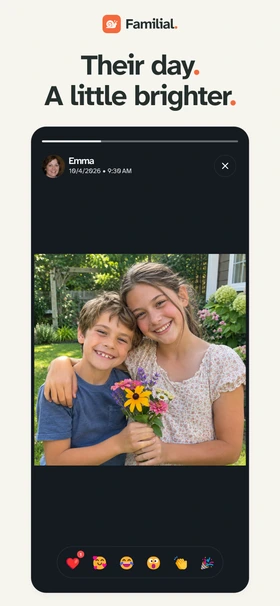
- Ask your grandparent to tap “View messages”. Photos and voice messages play automatically. They can also react to the photo.
Make it easy to find next time
Keep the app icon where your grandparent can find it on their home screen. The first time, let them open the message themselves while you’re nearby. You can send another moment later in the week, when there’s something you naturally want to share.